Structured data
Article, breadcrumb, FAQ and organisation markup on every page, generated from the content.

A branded help center that updates when your platform changes: guides, API reference, screenshots, tests and certificates.
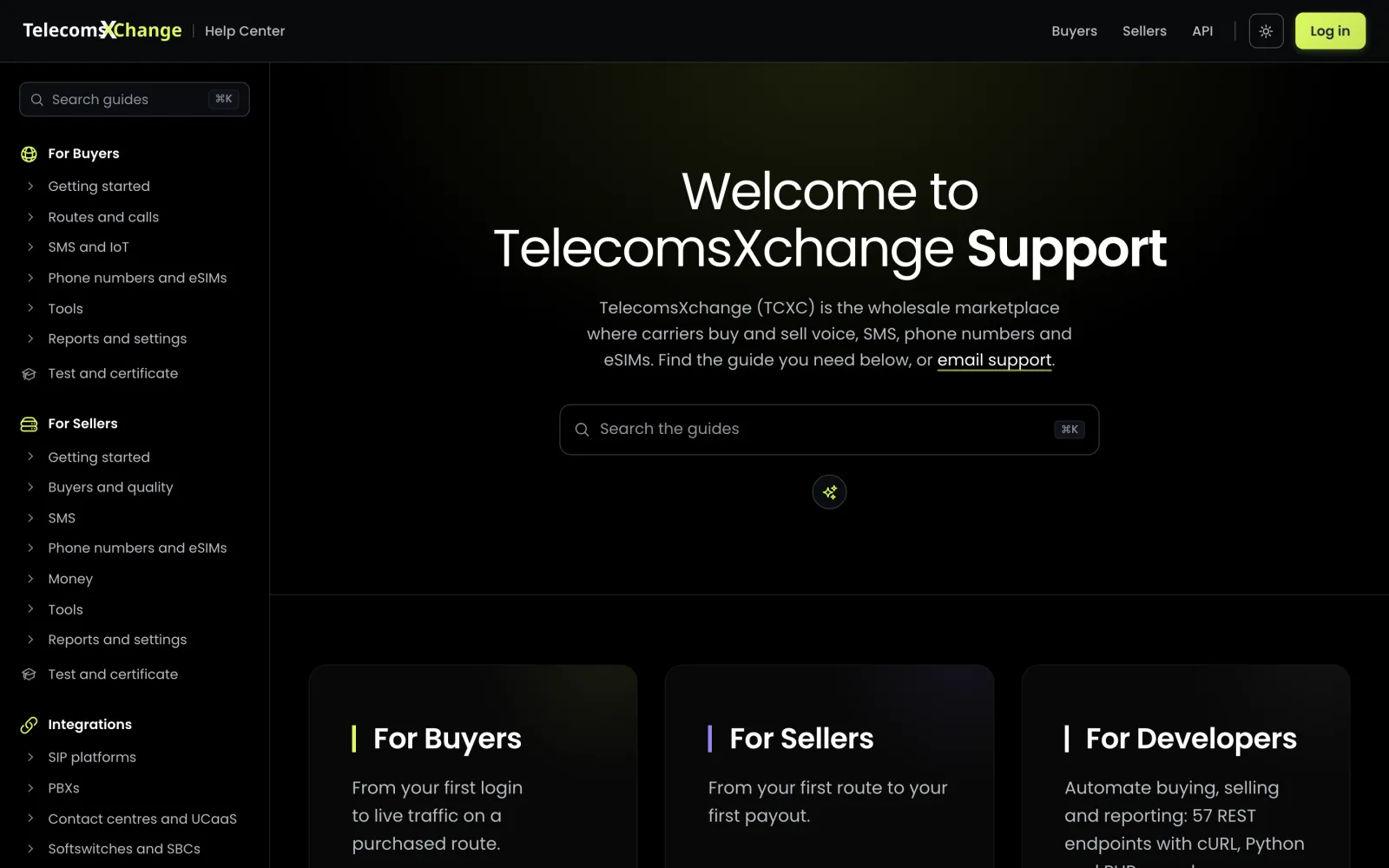
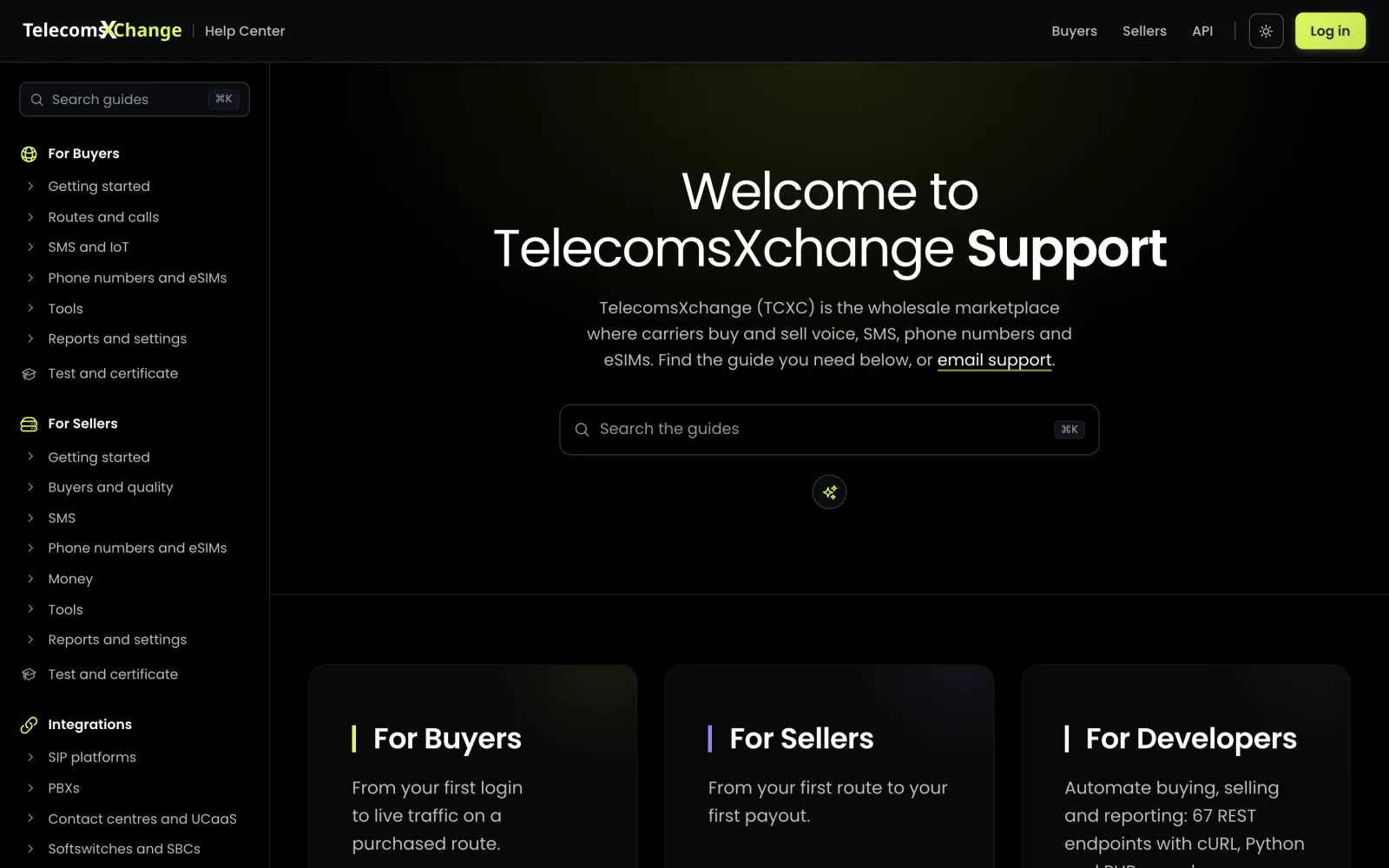
9c1e4f0Most teams keep docs in four places, updated by hand after every release. tcxcDOCS builds all four from your code.
A new endpoint, a renamed menu, a changed fee.
Each changed file maps to the guides, API pages and screens that document it.
Guides are rewritten, the API reference regenerates, screenshots re-render.
Links, layouts, phone and desktop, light and dark. Only a clean build publishes.
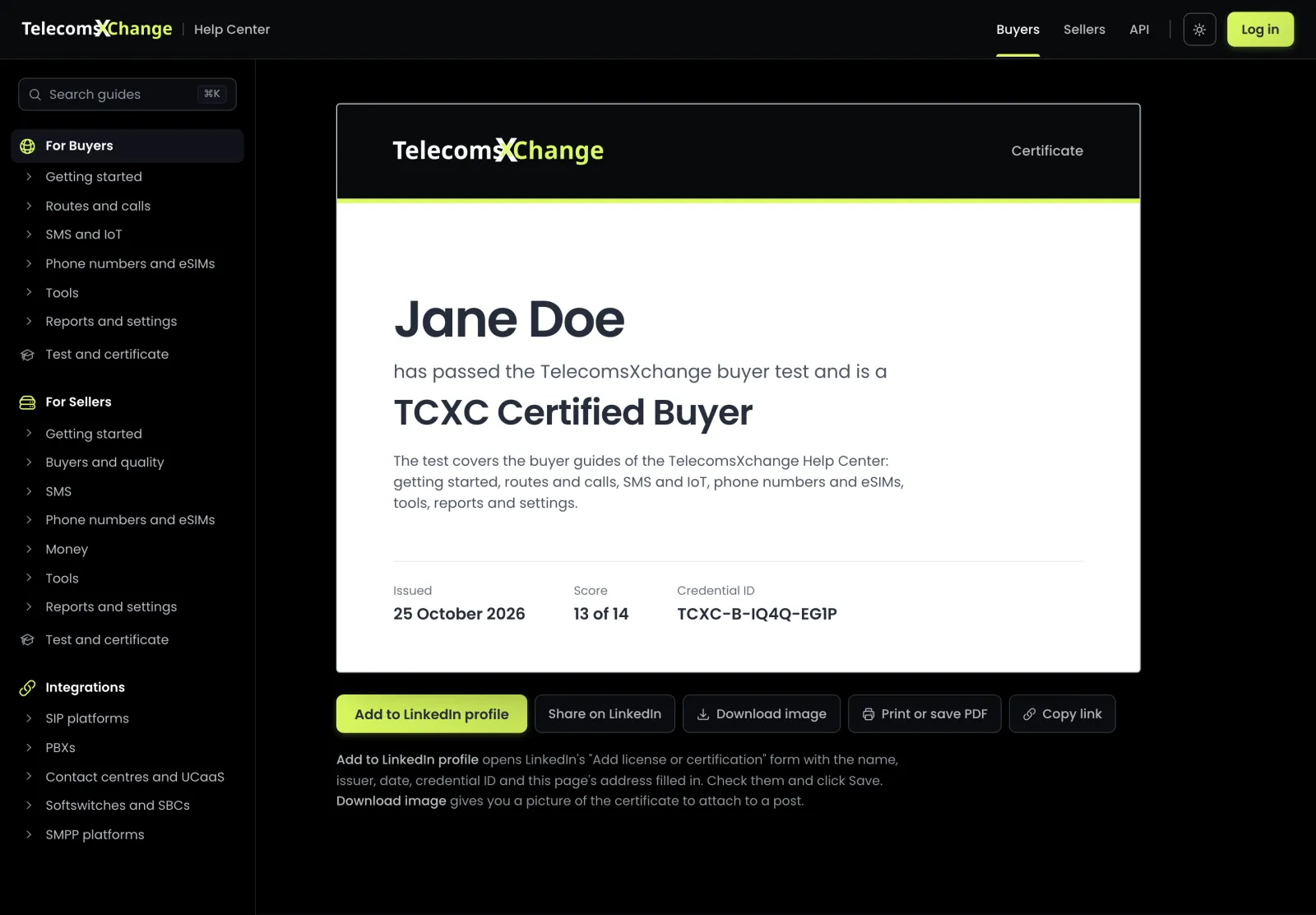
A short answer first, then numbered steps, a flow diagram, troubleshooting and FAQs.
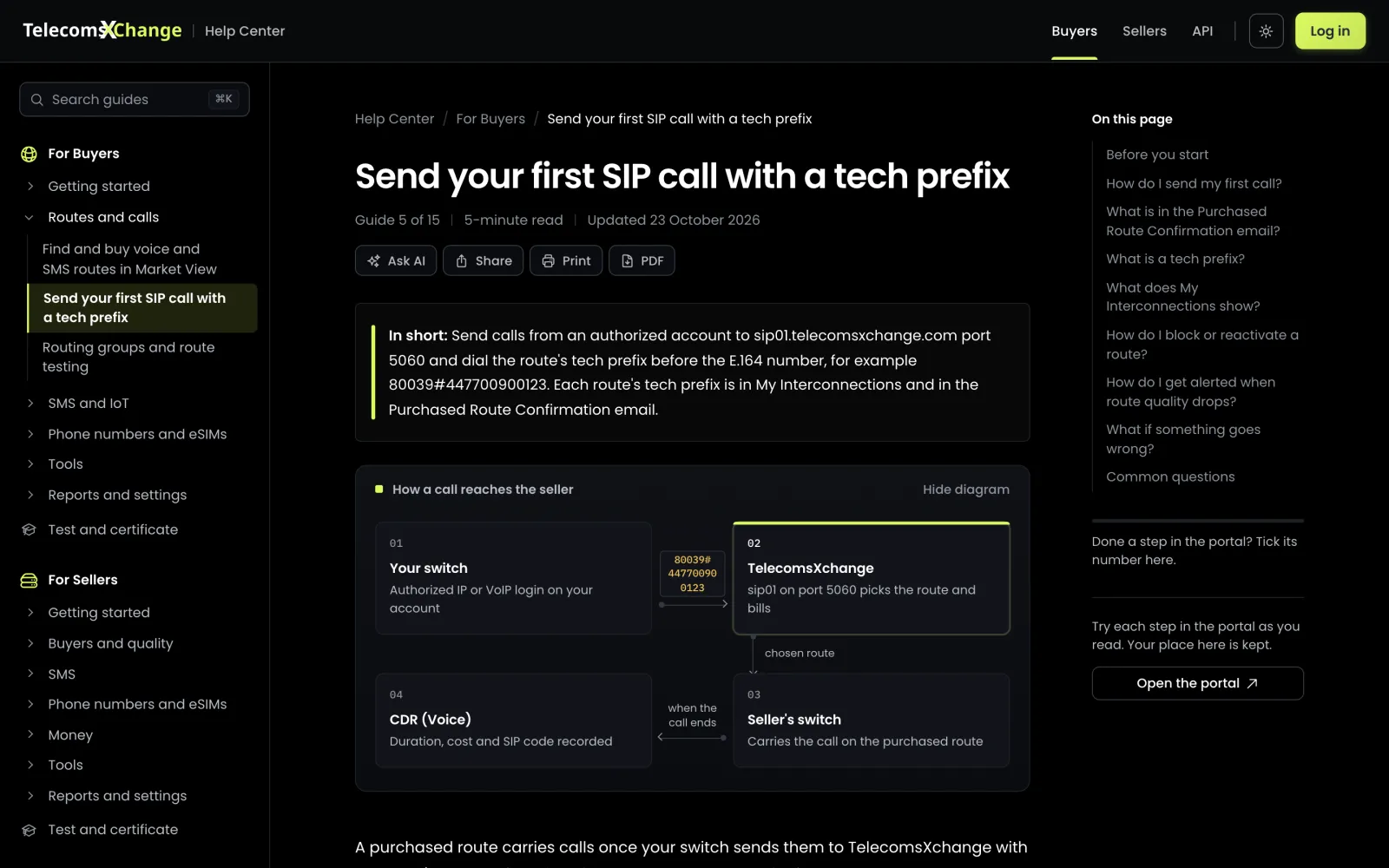
A test per audience. Passing earns a certificate with a credential ID that goes on LinkedIn in one click.
Open any guide in ChatGPT, Claude or Perplexity with the guide already loaded.
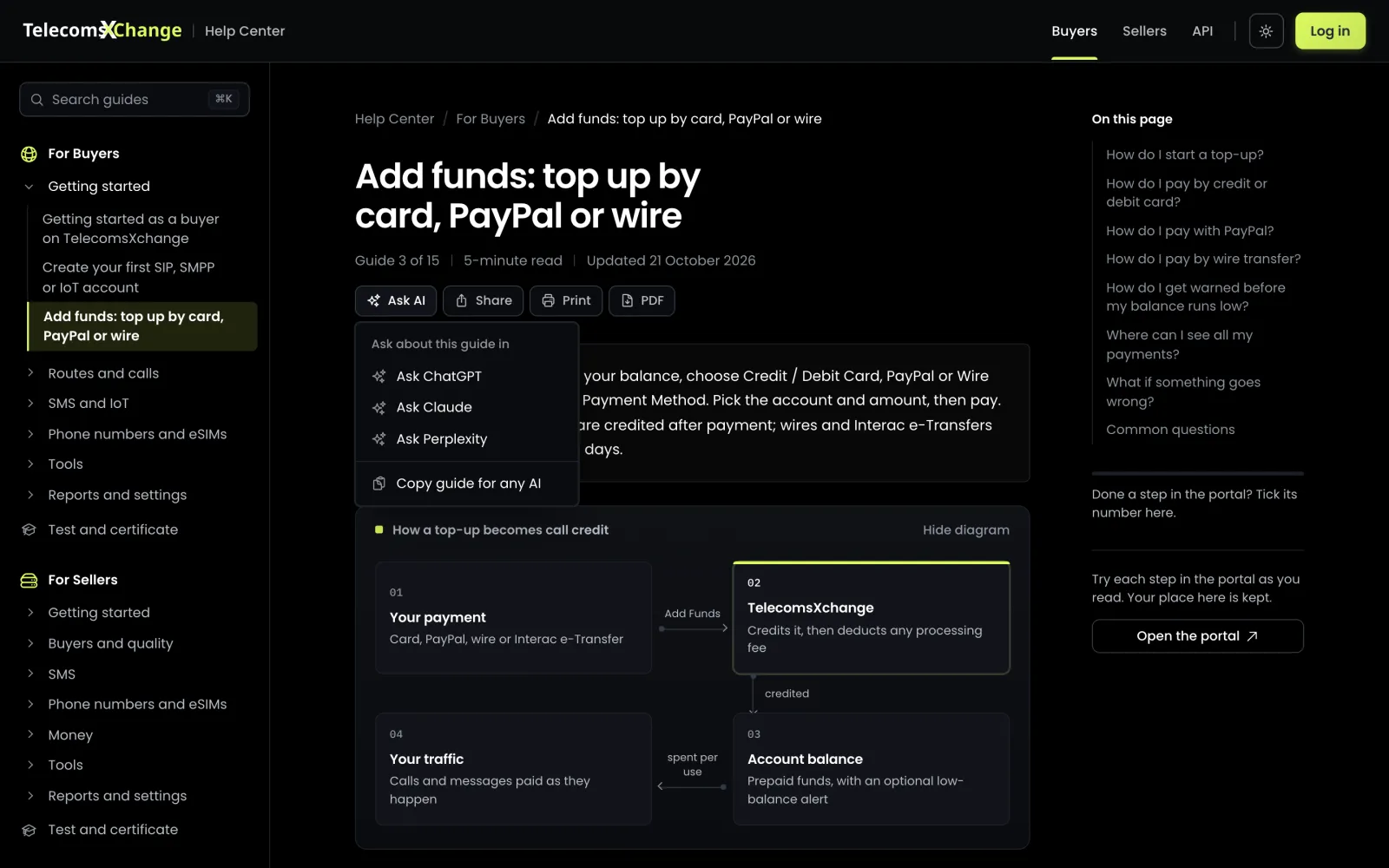
Phone-readySearchPrint and PDFLinkedIn certificates
Generated from your API’s routes and handlers: parameters, errors, an example response and a request in three languages. OpenAPI file included.
curl --digest -u "$TCXC_USERNAME:$TCXC_API_KEY" -X POST \
  "https://apiv2.telecomsxchange.com/marketview/search" \
  -d searchform=1 \
  -d prefix=4477 \
  -d type=CLI \
-d order=price{
"status": "success",
"rates": [
{
"prefix": "4477",
"vendor_name": "Northwind",
"connection_name": "UK Mobile Premium",
"route_type": "CLI",
"price_1": "0.011330",
"weekly_asr": 38.75,
"weekly_acd": 2.9,
"capacity_limit": "500"
}
]
}Pages follow the reader’s device and switch with one click. Screenshots switch with them.
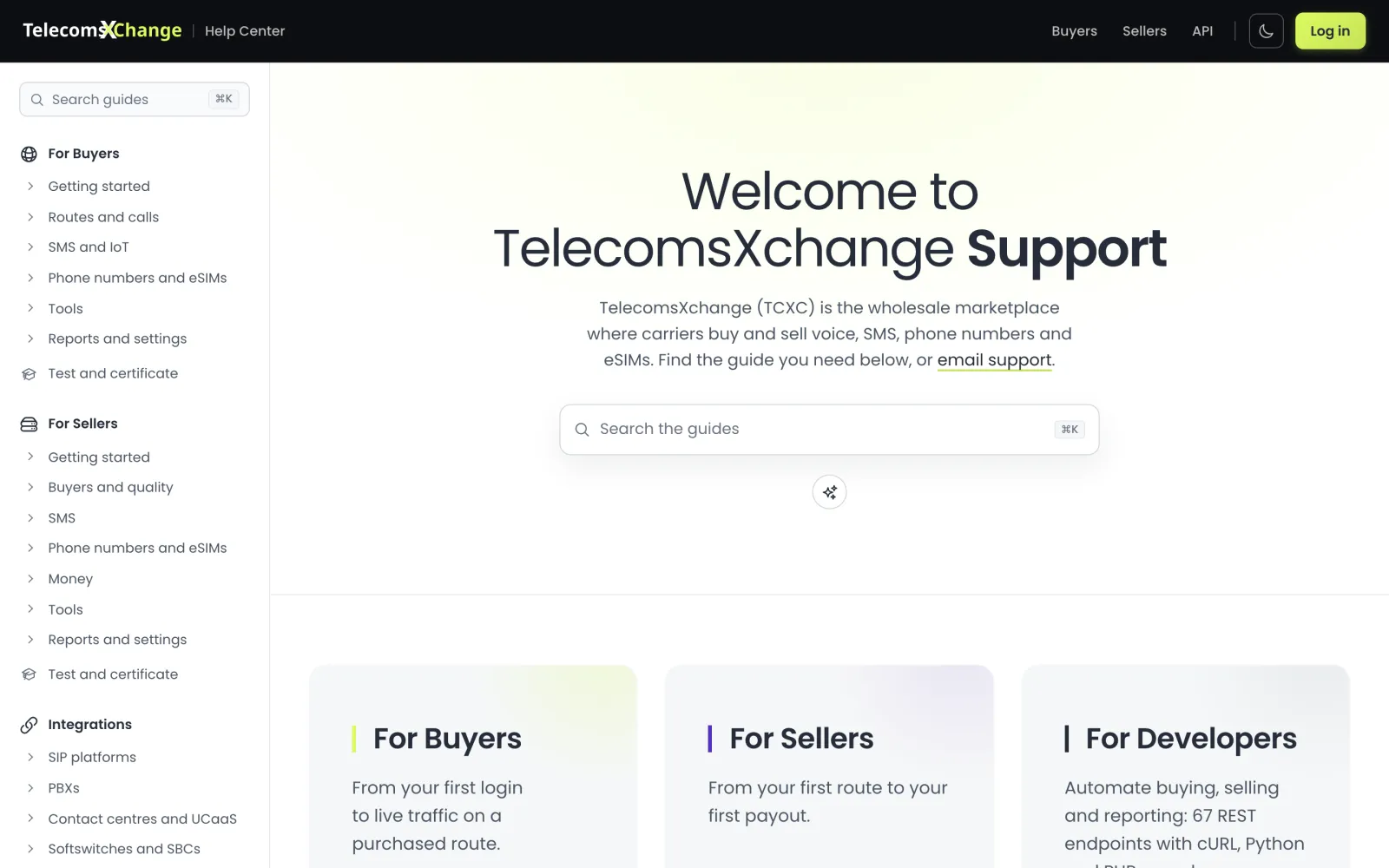
Every page is search- and AI-ready when it publishes. Nothing to configure.
# TelecomsXchange Help Center

## For Buyers
- [Send your first SIP call](…/send-your-first-call.md)
- [Buy phone numbers](…/virtual-numbers-dids.md)

## API reference
- [Phone numbers (DIDs)](…/reference/numbers.md)Article, breadcrumb, FAQ and organisation markup on every page, generated from the content.
Each URL carries its real last-modified date, so crawlers revisit what changed.
Search-length titles and descriptions, canonical links and a preview image per page.
llms.txt, a Markdown copy of every page and open access for AI crawlers.
Change a few lines and every page, share card and certificate follows. No redesign.
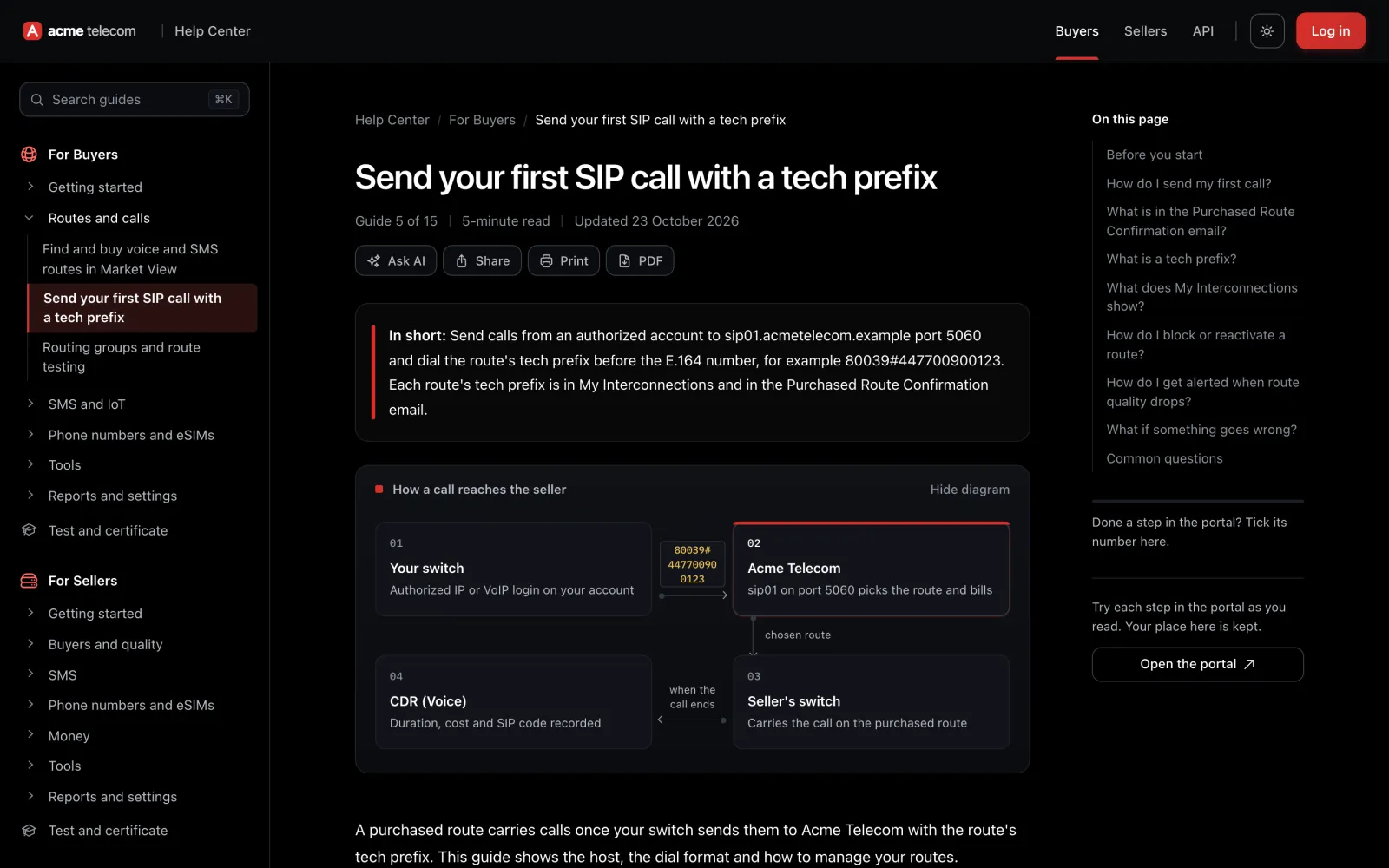
A help center for tcxcONE operators: guides, API reference, portal screenshots, tests and certificates, generated from your platform’s source code and published under your brand.
Each change to your portal’s source is traced to the pages that document it. Those pages are updated, the API reference regenerates and screenshots re-render. Every page shows when it was last checked against the platform.
They are rendered from your portal’s own templates with sample data. No customer data, no logins.
Yes: logo, colours, favicon, share card, domain and support address.
Operators running their exchange on tcxcONE. Contact us for pricing.
Available to tcxcONE operators, in your brand, on your domain.